Drop a folder, or click to choose images

JPEG · PNG · WebP · AVIF · HEIC · SVG · GIF · JXL · TIFF

CtrlVPaste
Web OptimizedWEBP · max 1920px

Files never uploaded · 100% client-side · I cannot see your photos · Privacy policy

Output pre-selected: PNG — drop any supported image

Free convert-to-PNG studio — any input welcome

This Studio link pre-selects PNG so you can convert to PNG immediately. Convert to PNG when you need a portable lossless still — icons, UI, documents, and editors that still think in PNG. Oxipng by default; optional Reduce palette (lossy PNG-8) for TinyPNG-style graphics.

Bring JPEG, PNG, WebP, AVIF, HEIC, GIF, SVG, and more — input format is never blocked when you convert to PNG. Encoding uses Oxipng (optional imagequant palette).

Looking for a specific source format? Use deep links like PNG to PNG or HEIC to PNG for conversion-focused copy, or stay here when your batch is mixed and you still want to convert to PNG.

Typical convert to PNG result

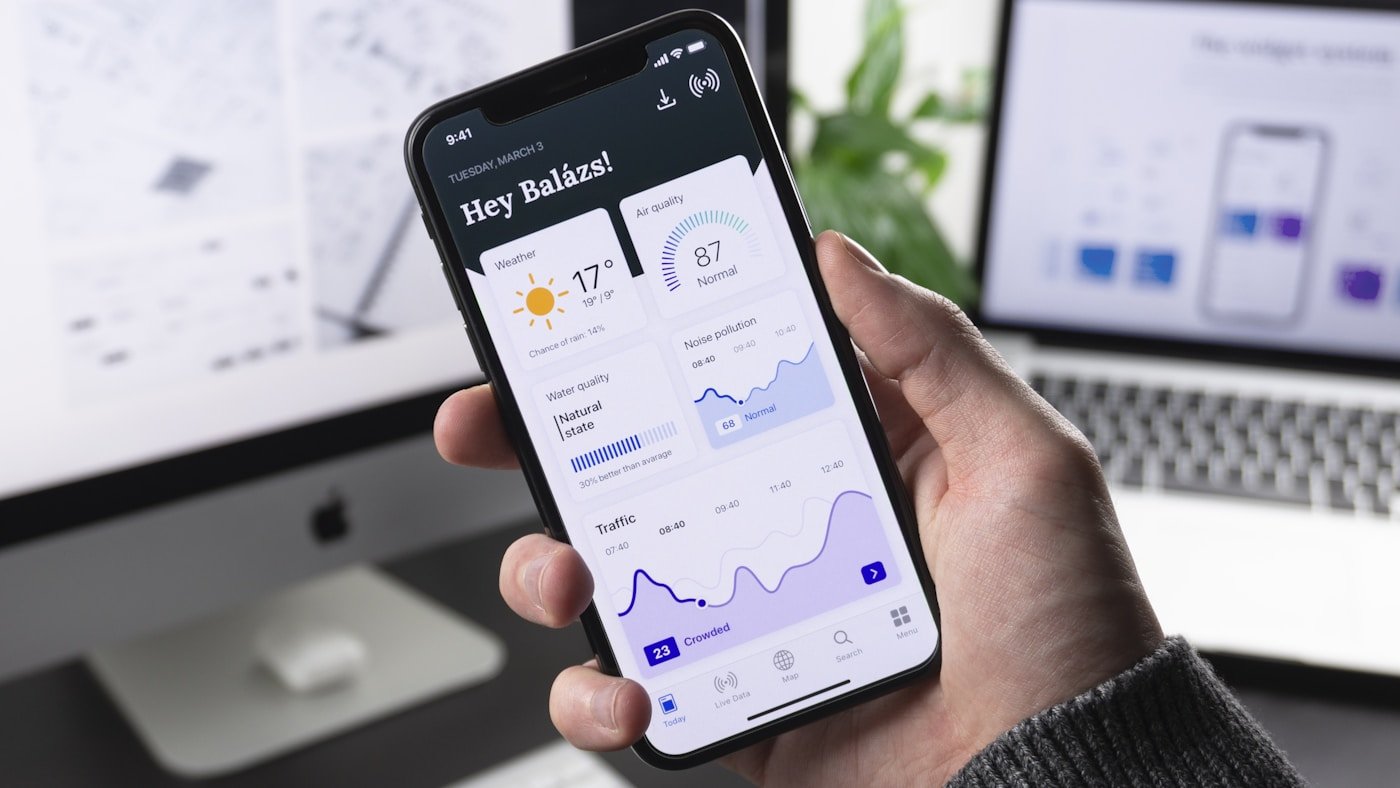
A phone UI still converting to PNG.

Graphics shrink; photos often grow

Smartphone showing an app dashboard in a workspace
GIF · 220 KBPNG · 95 KB

Before · GIF220 KBFirst UI frame

After · PNG95 KBOxipng still

Illustrative convert to PNG (Oxipng). Photos will not shrink like UI graphics — PNG is lossless unless Reduce palette is on.

How to use this converter

  1. Step 1

    Stay on convert to PNG

    This page already set output to PNG. You can convert to PNG from JPEG, PNG, WebP, AVIF, HEIC, GIF, TIFF, BMP, SVG, and more in one queue.

  2. Step 2

    Drop a mixed batch

    Add files or a folder. When you convert to PNG, decode and encode stay in the browser — nothing is uploaded.

  3. Step 3

    Download PNG

    Scrub quality, optionally set a size budget (JPEG, WebP, AVIF, JXL, PNG palette search), then download one file or a ZIP after you convert to PNG.

convert to PNG at a glance

convert to PNG at a glance
TopicWhat you getNote
PhotosPNG is hugePrefer convert to WebP/AVIF
LogosCorrectOptional palette
AlphaYesWhy people convert to PNG
Size budgetSupported (palette search)Palette or resize
CodecOxipng ± imagequantWASM

Why convert to PNG

Convert to PNG from SVG when email blocks vectors. Convert to PNG from GIF for a crisp first-frame still. Convert to PNG from JPEG when a tool refuses JPEG (the PNG will be larger).

Convert to PNG is not the smallest web photo format. Photos should convert to WebP or AVIF unless a human or printer demanded PNG.

Size budget works on PNG via palette color search. Reduce palette plus color count is the manual knob when you convert to PNG without a budget.

Typical results when you convert to PNG

Typical results when you convert to PNG
SourceBeforeAfterNote
SVG icon2 KB SVG~1 KB PNGConvert to PNG at 24px
GIF still90 KB GIF~35 KB PNGFirst frame
JPEG photo2 MB JPEG~9 MB PNGLarger — expected

How to convert to PNG in Asset Melt

Drop mixed inputs. Oxipng encodes. Turn on Reduce palette only for logos/icons.

GIF first frame, TIFF first page, HEIC libheif decode — then convert to PNG from that bitmap (lossless from the decode; Camera roll HEIC itself is still lossy).

Download PNG or a ZIP. Folder trees keep relative paths.

When you should convert to PNG

Graphics, stickers, print-adjacent stills, PNG-only importers.

When convert to JPEG would flatten needed alpha.

Skip convert to PNG for camera photos destined for a website.

Quality when you convert to PNG

Lossless Oxipng looks identical to the decoded bitmap. Palette mode is lossy on purpose — same idea as TinyPNG / Squoosh Reduce Palette.

Icons: 32–64 colors, dither 0.

Photos accidentally as PNG: consider switching output to WebP.

Oxipng level 4 default; 6 for one-off masters.

Privacy when you convert to PNG

When you convert to PNG, Image processing is 100% client-side in your browser with WebAssembly. Your photos are not uploaded, I cannot see or recover them, and sampled session replay is UI-only and does not include image pixels (media is blocked). The site still sends usage analytics and crash reports — details are on the privacy page.

Convert to PNG never uploads the bitmap. GIF still uses the first frame only. TIFF uses the first page only. HEIC decodes to pixels via libheif before you convert to PNG.

Frequently asked questions

Yes. Drop JPEG, PNG, WebP, AVIF, HEIC, GIF (first frame), TIFF (first page), BMP, SVG, JPEG XL, or QOI and Asset Melt will convert to PNG locally. Mixed batches are fine.

Yes. When you convert to PNG, decoding and encoding stay on your device. Image processing is 100% client-side in your browser with WebAssembly. Your photos are not uploaded, I cannot see or recover them, and sampled session replay is UI-only and does not include image pixels (media is blocked). The site still sends usage analytics and crash reports — details are on the privacy page.

Size-budget encoding targets lossy codecs (WebP, AVIF, JPEG, JXL). If you convert to PNG as PNG, turn on Reduce palette and lower the color count, or resize — binary-search-to-bytes is not wired for PNG yet.

Yes. Process the queue, then export every PNG result as a ZIP. Optional ZIP every 25 files (Pipeline options) makes Download save numbered parts with progress on the button.

Output uses Oxipng (optional imagequant palette) in a Web Worker — the same Squoosh-grade stack, with no upload.

For logos and icons, yes — Reduce palette (imagequant) then Oxipng, or turn on size budget for PNG. Photos should not use palette; convert to WebP or AVIF instead.

JPEG/HEIC/WebP were lossy. PNG stores leftover pixels losslessly. Bigger is normal. Convert to WebP for a small photo.

No. GIF uses the first frame only — animation is not encoded.